


While watching videos and scrolling through the comments section, you might come across those ‘Highlight comments’ on YouTube. Wondering what that is and how it shows up there? Well, in this article, we are talking about the most important thing you need to know about what a highlighted comment is on YouTube and how it works.
From the creators’ and audience’s view, there are some benefits of the highlighted comments. Plus, we also check how to remove them, if you want to. So let’s get more ideas about it step by step, and look at this simple yet important feature on the YouTube comment section.
What Does “Highlighted Comment” Mean on YouTube?

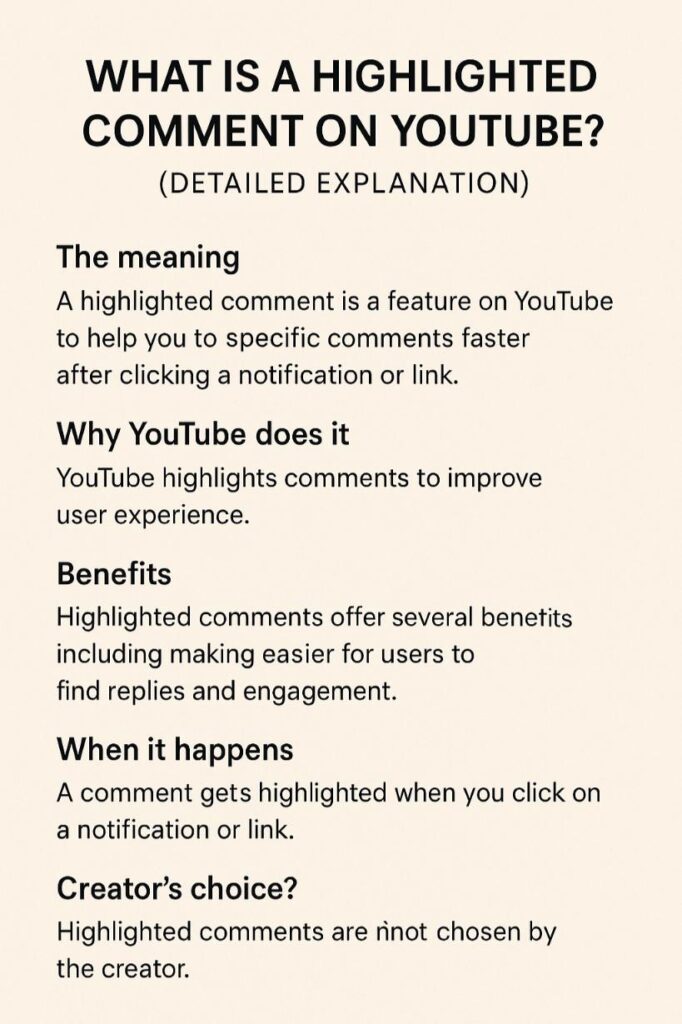
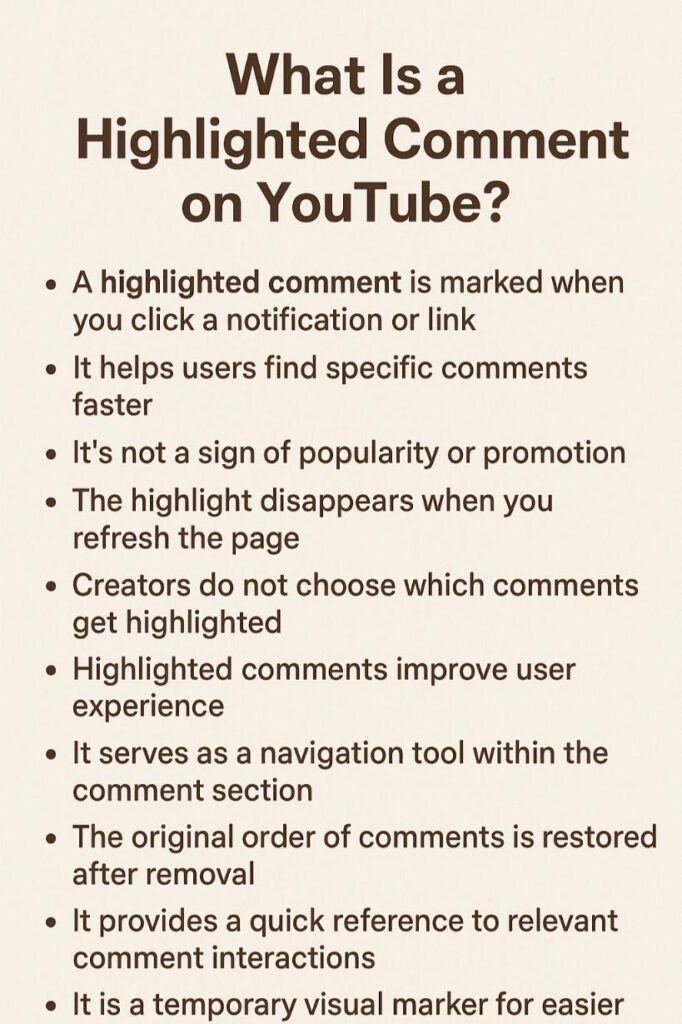
A ‘Highlighted Comment’ on YouTube makes the comment section navigation easier. This feature is completely controlled by the YouTube algorithm, as it chooses which specific comment to highlight.
The ‘Highlighted’ tag on a comment makes it easier to find the important comments without having to search for them manually. This is a temporary label that catches the attention for a short span.
Once you refresh the page or leave the video, the highlight label disappears. So, it’s YouTube’s feature that lets users find the relevant comments faster.
You can check out these best YouTube comments to leave on educational travel videos.
Why Does YouTube Highlight Comments?

The first reason why YouTube launched this feature is to improve the user experience and make faster interaction possible. So, it’s more like a shortcut that keeps you engaged in the conversation by avoiding the chance of getting lost in a longer chat.
With highlighted comments, it’s easier for creators to pick the right comments without having to scroll and search for them. Also, this is an automatic feature that helps in making conversations organized and keeps you engaged.
Benefits of Highlighted Comments on YouTube
Highlighted comments might sound normal feature, but it’s crucial for both viewers and creators. Because it helps in finding replies, tracking discussions, and staying in the conversation. Also, creators can respond faster to specific comments without having to search for them all through the comment section.
Having comments highlighted, viewers can get to see them easily and can engage in the conversation.
This feature becomes more crucial on the video with thousands of comments. There, creators can track and stay engaged in the ongoing conversation. Here, this feature works like a reminder of where you were last time.
Overall, the highlighted comments make the interactive, engaging, and well-organized comment section.
To get higher views and reach for your videos, be sure to add these trending YouTube hashtags to relevant posts.
When Does a Comment Get Highlighted?

A user or creator has no role in highlighting any comments. It’s on YouTube algorythm, that decides which comments to highlight based on their importance. Here are common situations when YouTube highlights a comment:
- When someone replies to your comment, and you open the alert.
- When you click a timestamped reply link shared by another user.
- When you visit a comment directly through a URL containing ‘Highlighted’.
An important thing is that this is a temporary feature and is only visible to you. This way, YouTube helps you find the comments faster, so you can continue the conversation.
Moreover, you want to know when the best time is to post on YouTube.
Are Highlighted Comments Chosen by the Creator?
No, the creator has nothing to do with the highlighted comments. It’s all controlled and chosen by the YouTube algorithm only. A creator can pin someone’s comments to show them on top of the comment section, but they can not highlight them.
The ‘Highlighted comment’ is the selected comment by YouTube for a particular user. So it’s not commonly visible to everyone, but only to selected users. YouTube highlights comments based on their importance to a particular user; others won’t be able to see them.
You want to check these trending YouTube shorts topics to start a new channel.
How to Remove or Clear a Highlighted Comment?
Highlighted comments won’t be there forever, like ‘Pinned’ comments by creators. It’s a temporary feature that will go away on its own. You don’t have to do anything to remove or clear highlighted comments.
Once you refresh the page or close the video, the highlight tag from comments will disappear.
Final Thoughts
What is important to know is that, as a viewer or creator, you don’t have control over ‘Highlighted comment’. So you don’t have to worry about it if it isn’t appearing to you. Also, it’s not the tool that can help you increase your video views or engagements.
This is a helpful feature that makes your comment navigation easier. To start the old conversation, check feedback, and reply to someone, you can get to see ‘Highlighted comments’, that’s it. YouTube has launched this feature to make conversation easier and interactive, without getting lost in thousands of other comments.
Use our comment generator to create comments that catch attention.
FAQs
Can I highlight my own comments on YouTube?
No, you can not manually highlight your own YouTube comments. It’s all decided by YouTube about which comments to highlight.
Do highlighted comments mean my comment is popular?
No, the highlighted comments aren’t about higher ranking or popularity. It’s only about easier navigation in the comment section.
Can viewers see highlighted comments publicly?
No, the ‘Highlighted’ tag on a specific comment appears to a particular user. It’s not common to everyone.
Do highlighted comments help increase engagement?
This isn’t the purpose of highlighted comments. It’s more about making the interaction smoother, not popular.



