
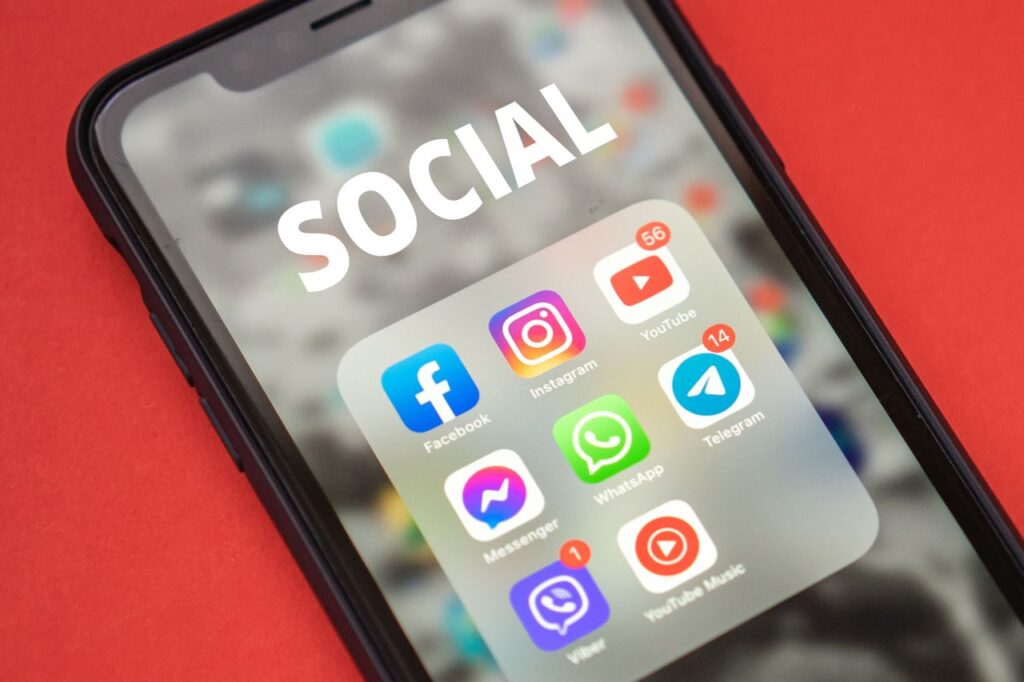

It is true that your profile consists of photographs and posts. It stores your private messages and contains all contact numbers in your list. Scammers can obtain all personal information, impersonate you, hack your accounts, use your information in phishing attacks, etc.
However, defending your social media accounts is easier than it seems. Some easy-to-implement steps will save all accounts from hacking and impersonation.
Do Not Log In Using Public Wi-Fi
Using Wi-Fi from a café or hotel is handy. Still, you cannot be sure about the security level of the network or who uses the network besides you. Some fraudsters may create false access points and use appealing names, such as Airport_Free_WiFi, or redirect your browser to a look-alike login page.
Social media websites encrypt logins using the HTTPS protocol; thus, this measure will protect you from a hacker’s interception. Nevertheless, it will not guarantee your security when a false sign-in portal asks for your login credentials.
For safer login in case of a lack of an alternative, you should use a mobile Internet connection.
As an additional security measure, use a VPN that encrypts your communication from your computer to the server. Choose the best private VPN service with an independently audited no-logs policy, rather than a free app that may quietly collect and sell your data.
Implement Two-Factor Authentication or Passkeys
This is an additional check after password verification. Almost all platforms offer some variant of such protection. However, some are more reliable than others:
- Authenticator apps are useful as they use a special generator on your phone to produce codes and suit everybody.
- Security keys provide an additional level of protection, especially in cases with business accounts.
- SMS codes are good if you have no other opportunity; however, scammers can hijack such codes using the SIM swap technique.
The next-level protection is passkeys. You log in by using fingerprints, facial identification, or a device lock code.
This way, there are no credentials to steal for phishing pages. Facebook and X already provide this feature, and more platforms are joining them. Check your security settings and replace the old 2FA method with passkeys if the platform supports them.
Create a Long, Unique Password for Each Website
Reusing the same passwords on all websites is dangerous. When any website leaks some logins, scammers test this pair of username and password on many other platforms, Instagram, TikTok, LinkedIn, and others. Thus, if you have the same password for another website, they gain easy access.
A password must be long but not necessarily complex. A string consisting of four or five random words is much better than a complex short string. A password manager can help you create a unique password easily.
There are several options for it: Bitwarden, 1Password, and password managers embedded in devices from Google, Apple, and Microsoft. Many password managers alert you when passwords from saved accounts leak in breaches.
Learn to Identify Phishing Messages
A lot of social profiles were hacked because of messages and not due to some technical trickery. Typically, a scammer tells the victim about a violation of community rules and about account blocking within 24 hours unless this account will be “verified.”
There are also many varieties of such messages: about deals from the brand, notifications of copyright violations, and messages from a so-called friend who asks you to confirm some code received via message.
A real platform would never send any request for your credentials. You should check the information on the website or in the application, not in the message. For example, Instagram stores the list of recently sent emails in the security settings of a profile. Moreover, never listen to so-called recovery experts who can restore your hacked profile for money.
Check Your Privacy Settings
Scammers collect any piece of information from your public profile to write messages that seem credible. You should spend some time checking the following things in the privacy menu of every website:
- Who can see your posts, your friends list, birthday, telephone number, and email.
- Which apps and games have access to your accounts.
Moreover, you should sign out of all devices where your accounts are logged in.
Make Sure All Your Devices Are Up to Date
Keep your browser, devices, and applications updated, as updates fix bugs and security vulnerabilities used by scammers. Keep the information about your current email address and telephone number in the settings of all accounts. Save 2FA backup codes and activate login notifications.
Conclusion
Social media attacks result from the combination of laziness and opportunism of scammers and the absence of two-factor authentication. Start by implementing one step today and make the remaining ones during the week. It is much easier to protect yourself now than to try to recover your account.