The Thread app is monitored by Meta, the company that also operates Instagram and Facebook. Threads was first created as a secondary app and a competitor to its rival X (formerly Twitter). The app is mainly used by Instagram and Facebook users to share updates, thoughts, news, and discussions. Along with this, it also allows real-time conversations. Many people are still unaware of this app, and that’s why we have created this new guide on the Thread app.
In our detailed guide on Threads, we will be talking about its usage, benefits, functions, and comparisons with other similar apps.
Want to share better comments without overthinking? Try our AI comments generator and create engaging lines in seconds.
What Is a Thread App?
Threads has a similar user engagement style to X (Twitter), though it focuses more on conversations and messaging rather than just updates and photo sharing. Posts, updates, and photos appear on your feed from your followers. Conversations and messages happen in a thread-style format. Also, the content can be shared on other Meta apps like Instagram and other platforms.
- Created by Meta as a space for real-time, topic-based conversations
- Focuses on simplicity, text sharing, and direct interaction
- Works as an extension of Instagram with a similar design and user flow
Reaching more viewers often depends on when you upload. Learn from our guide on the best times to post on TikTok in 2025 to boost your video performance.
Key Features of the Thread App
Threads has a similar user engagement style to X (Twitter), though it focuses more on conversations and messaging rather than just updates and photo sharing. Posts, updates, and photos appear on your feed from your followers. Conversations and messages happen in a thread-style format. Also, the content can be shared on other Meta apps like Instagram and other platforms.
- Allows posts with text, links, photos, and videos.
- Users can reply, repost, or quote others’ Threads.
- Easy login and connection through Instagram accounts
- Good Privacy settings.
- A feed that shows posts from people you follow.
Need a catchy line for your brand or project? Try our AI slogan generator to get creative options instantly.
How Does the Thread App Work?
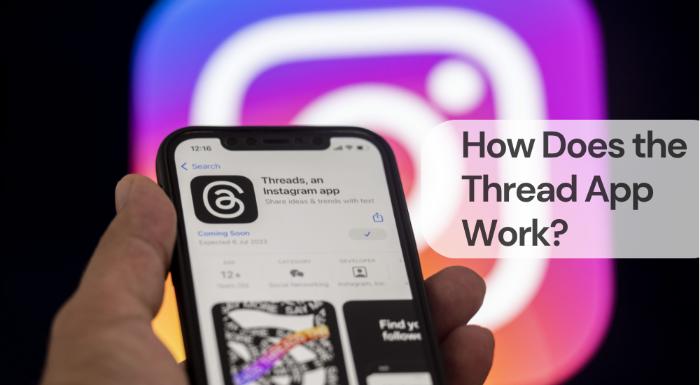
The Thread app works similarly as its counterpart X/Twitter. The user interface is totally different, though you might find a few similarities. Users usually log in through Instagram and open similar accounts with similar details. You can share photos, videos, small updates, and up to 500-word threads, which can be carried forward by fellow users you connect with.
Posting at the right hour can make a big difference in engagement. Discover the ultimate guide on the best time to post on Instagram to reach more followers.
Benefits of Using the Thread App
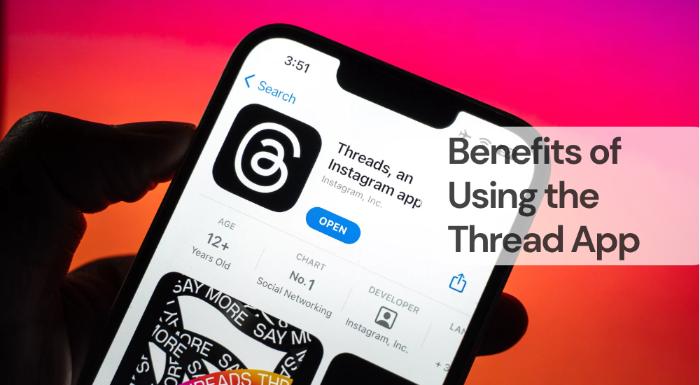
Here are some interesting benefits of using Thread App.
- Ideal for creators and brands to engage in open discussions
- Encourages real-time updates and community interaction
- Integrates easily with Instagram for cross-platform sharing
- Allows expression through both personal and professional conversations
Searching for Instagram hashtags to boost engagement? Try our AI Instagram hashtags generator for some creative hashtags.
Thread App vs Other Messaging Apps
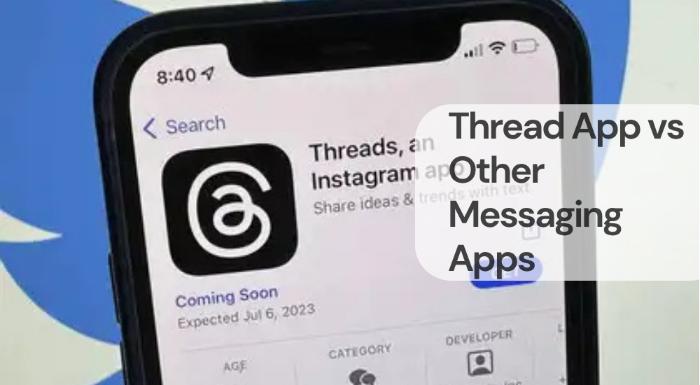
Here we have noted down some points of comparison between other apps and the Thread app.
- Threads: Best for sharing opinions and public engagement
- WhatsApp: Best for private and group messaging
- Twitter/X: Known for trending news and public debates
- Messenger: Ideal for close friends and private conversations
Sharing your location can make meeting up easy and safe. Find out how to send a location in WhatsApp in just a few simple steps.
Is the Thread App Safe to Use?
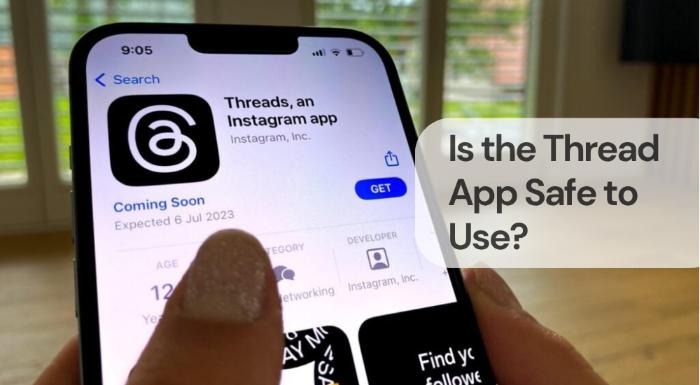
Since this app is monitored by Meta, you can easily trust it. Just like Instagram and Facebook, Threads is very safe to use. The app has strong privacy protection, a user-friendly interface, and doesn’t require much private information to open your account.
- Users can block or restrict unwanted interactions.
- Privacy settings can be customised according to your needs.
- Regular updates improve security and data protection.
Searching for motivational or funny quotes? Create the perfect ones with our AI quotes generator anytime.
Future of the Thread App
The Thread app definitely has a bright and strong future. Its user base is slowly starting to increase, but it still has a long way to go. Though there are a few things that need improvement and some features that can be added, once that happens, it will definitely provide users with a new and better experience.
Privacy matters when it comes to personal messages. Learn how to hide WhatsApp chat on Android or iPhone to keep your conversations secure.
Frequently Asked Questions (FAQs)
Q1. Is Thread App free to use?
Yes, the Thread App is completely free to download and use.
Q2. Can I use Threads without Instagram?
No, Threads currently requires an Instagram account for setup and login.
Q3. Does Thread App work worldwide?
Yes, Threads is available in most countries and continues to expand globally.
Q4. How is Threads different from WhatsApp?
Threads is for public and topic-based conversations, while WhatsApp focuses on private messaging.
Q5. Who should use the Thread App?
Anyone who enjoys sharing ideas, updates, or discussions in real-time can benefit from using Threads.
Conclusion
The Thread app definitely has a bright and strong future. Its user base is slowly starting to increase, but it still has a long way to go. Though there are a few things that need improvement and some features that can be added, once that happens, it will definitely provide users with a new and better experience.